 |
Sky Hub |
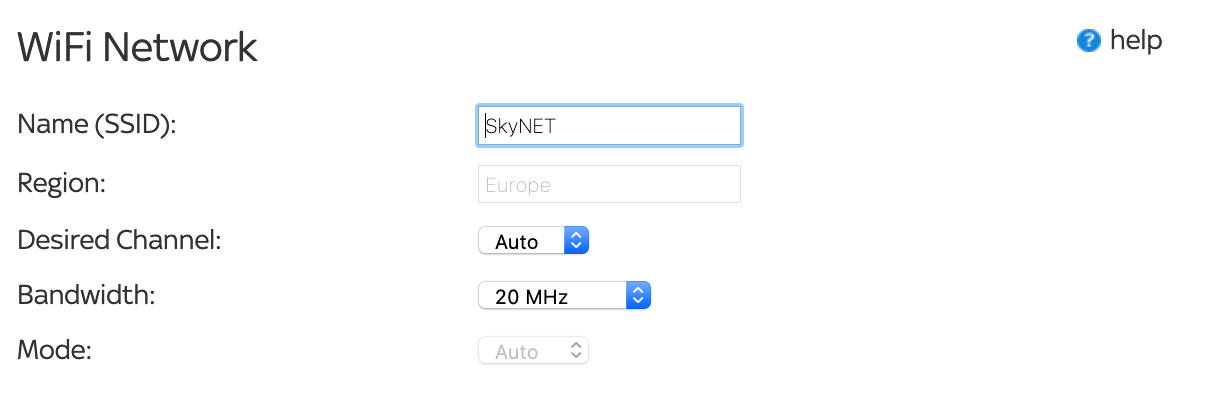
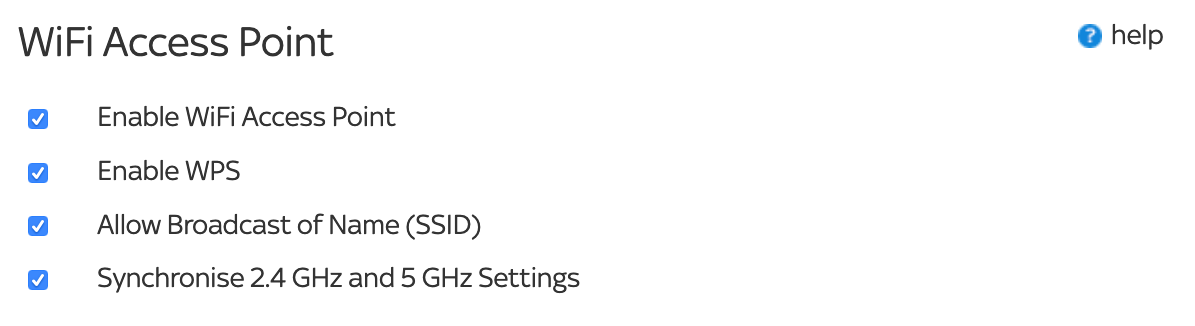
2.4 GHz WiFi Settings 5 GHz WiFi Settings Add WPS Client
2.4 GHz WiFi Settings
Placement of your Sky Hub to Optimise WiFi Connectivity.
The range of your WiFi signal can vary significantly based on where you locate your Sky Hub in your home. For best results, place your Sky Hub:
- In a central location if you will have several devices connecting to it wirelessly.
- Away from potential sources of interference, e.g. microwaves, baby monitors, and cordless phones.
- Away from electrical equipment, e.g. fluorescent lighting, fans with a motor.
- Away from large metal surfaces.
Try your Sky Hub in different locations to find the best position and always stand the Sky Hub upright. If you install your Sky Hub in a non-optimal location or lay it horizontally, it may result in reduced performance.